
Hytera
Hytera Smart Dispatch Plus
Dispatch to coordinate DMR radio users from a control center: calls, messages and location together on the operator's computer. The project must define how the software will access the radios and which features will be enabled on the terminals.
Discuss this solution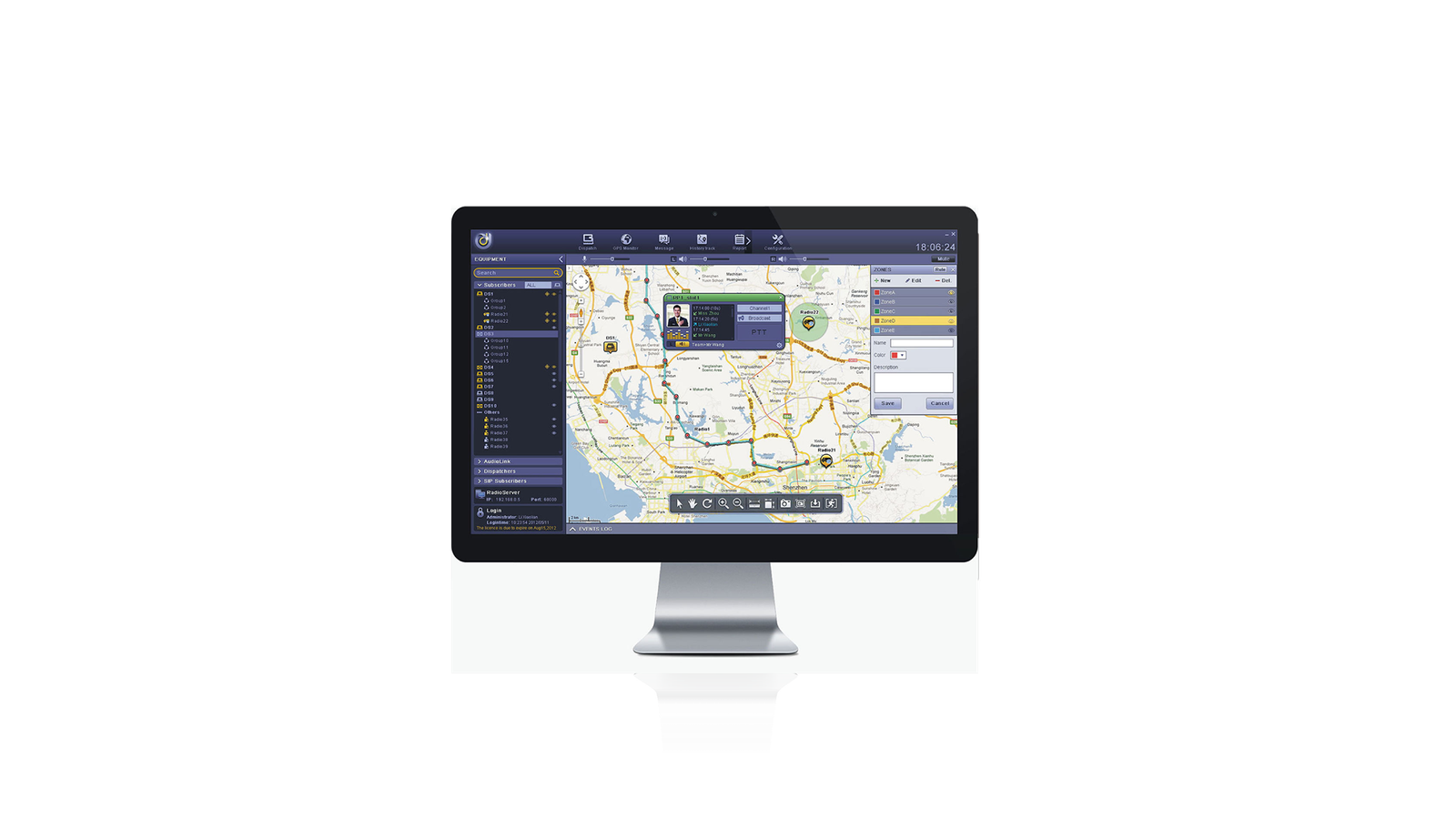
What this solution does
Calls and records
Individual, group and all calls, communication between dispatchers, SIP integration and voice recording.
Operational location
Real-time position, route playback, geofences, points of interest and speed alerts.
Messages and protection
Scheduled messages, email integration, emergencies, lone worker and remote enable or disable commands, depending on configuration.
Server, gateway and client: how dispatch connects to DMR
Hytera allows the three components to run on the same computer or to be distributed. Access to the radio network can use a repeater or a mobile radio. Installing the operator interface is not enough: the path between the dispatch station and field users must be defined.
- Connection inventory: identify the architecture's repeater or mobile radio, the available IP network and terminal models.
- Concentrated or distributed deployment: choose where each component runs and document which connections must remain available.
- ABC's proposed acceptance test: call an individual radio, a group and the dispatch operator; repeat the check at actual workstations.
From an alarm on the map to guiding the team
Current location, route history, geofences and speed alerts provide different information. A history helps reconstruct movement; a geofence allows work within a defined area. These functions do not mean every radio provides location, nor do they replace an emergency procedure.
- Prepare the map: register the points of interest and monitoring areas relevant to the operation.
- Validate the origin: check terminal identification, position reception and updates observed during a test route.
- Test the response: generate a controlled alarm, check the user who originated it and guide the team by voice; test recording retrieval separately.
Where to assess the application
- ABC project: track maintenance teams by sector and record instructions transmitted by the control center.
- ABC project: design patrol areas and a response procedure for emergencies or route deviations.
What must be confirmed in the project
- Validate models, firmware, licenses and the connection method via repeater or mobile radio; GPS depends on the terminal and delivery of the data.
- Size the server, gateway and client: they can share a computer or be distributed across the network.
- Define access permissions, recording retention, groups and the alarm-handling procedure in the ABC proposal.
ABC Mais Telecom project
Connect technology to your operational routine.
Describe the current workflow, systems already in use and the problem you need to solve. This conversation guides the integration, deployment and support analysis before equipment or licenses are defined.
Request a project assessment