
Body cameras for businesses and events
What happened in the field needs to arrive with context.
A body camera records incidents and can connect the team to the control center, depending on the solution. Define where to store the footage and who can access it.
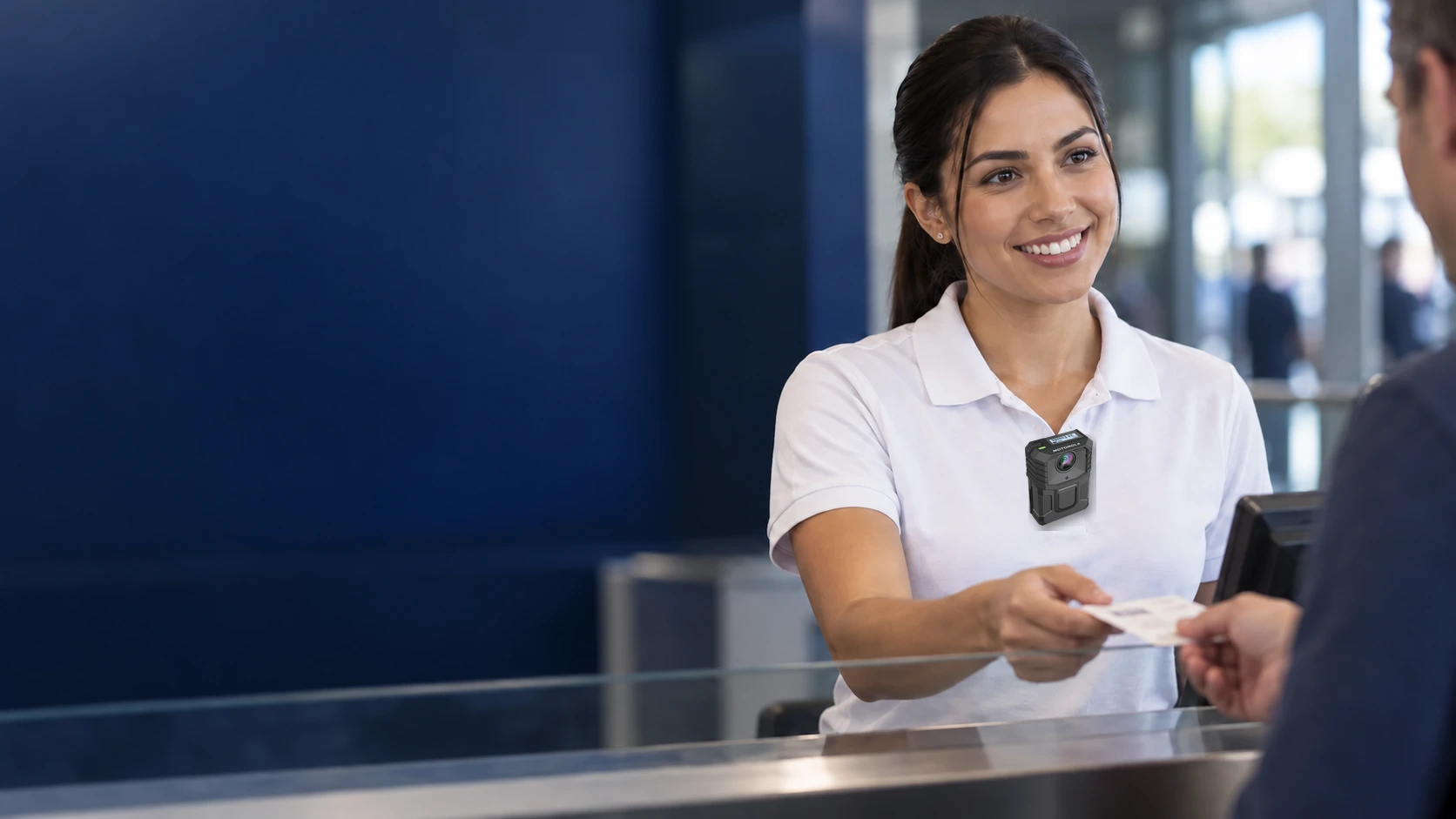
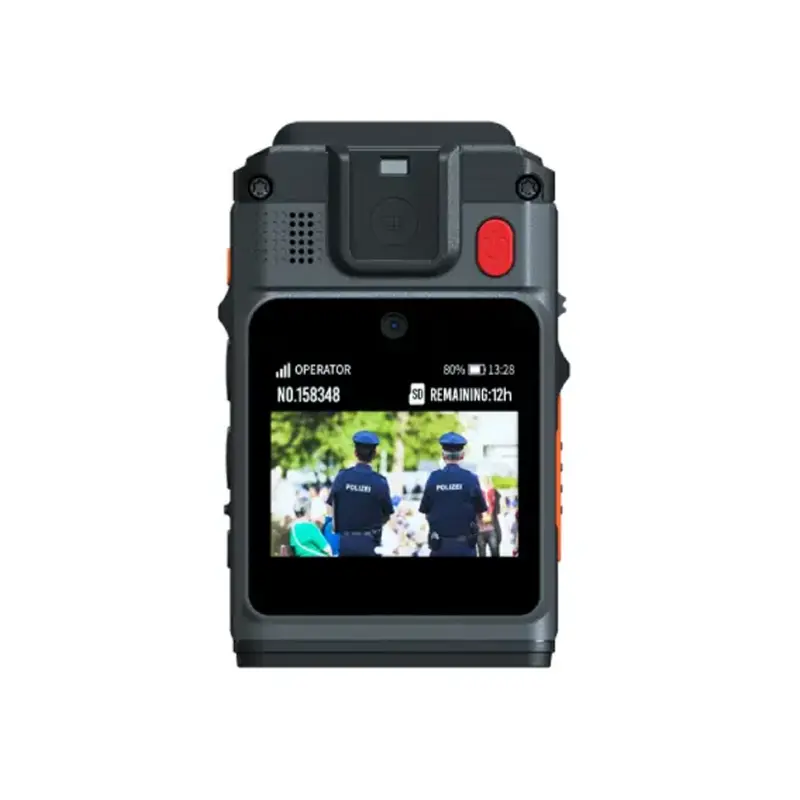
Body cameras and evidence management
Body cameras and platforms for every stage of the operation.
The device is only the first step. The solution must consider activation, user identification, transfer, storage, permissions, auditing, review and deletion according to operational policy. At ABC Mais Telecom, the body-worn camera complements the radio operation: the two-way radio coordinates the team and the camera records what happened in the field.
Motorola Solutions
From field capture to video ready for review.
The range combines cameras for different profiles, transfer docks and VideoManager to administer devices, organize recordings and control access to content.
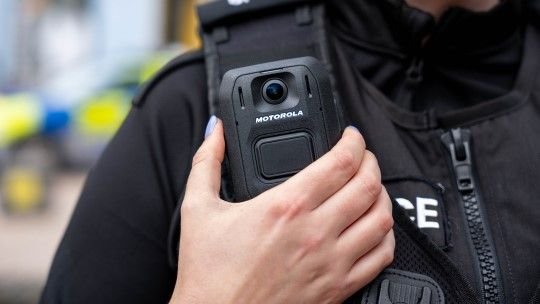
Motorola Solutions V500
When the control center needs to follow an event as it happens.
The V500 records in high definition and can transmit over LTE or Wi‑Fi in a compatible deployment. It also supports content retrieval in the field or fast transfer through the Smart Dock.
- Video
- Up to 1080p, 25/30 fps and 128 GB
- Context
- Configurable pre- and post-recording buffer of up to 2 minutes
- Protection
- AES‑256 at rest and in transit; operations recorded in audit logs
- Operation
- 12 h stated by the manufacturer; actual runtime varies with configuration
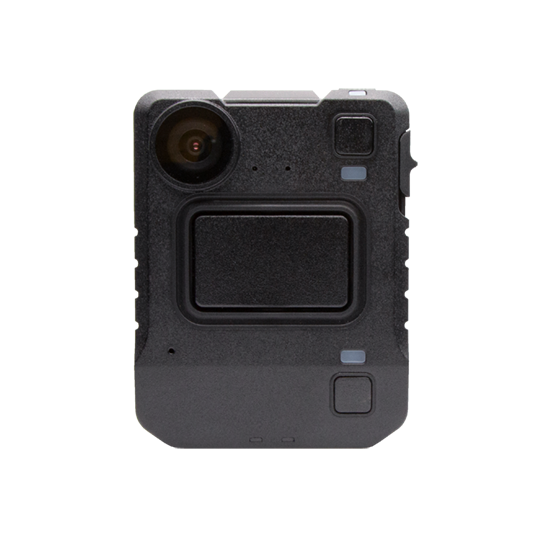
Motorola Solutions VB400
Shift recording with secure retrieval of recordings.
The VB400 combines Full HD 1080p recording, pre- and post-recording, GPS, Wi‑Fi and Bluetooth. Single-port or 14-port docks can charge cameras and securely offload content.
- Simple activation and mounting options for different uniforms
- File encryption and access through VideoManager EX
- Assisted recording between cameras and integration subject to project requirements
VideoManager
Fleet and recording management in the same workflow.
The software receives, organizes, shares and deletes videos according to configured profiles and policies. The architecture can be on-premises or cloud-based and must be defined together with camera count, daily volume, retention and integrations.
- 1Camera assigned to the user
- 2Transfer over a network or dock
- 3Indexing and authorized access
Hytera
Recording, live video and communication in the same architecture.
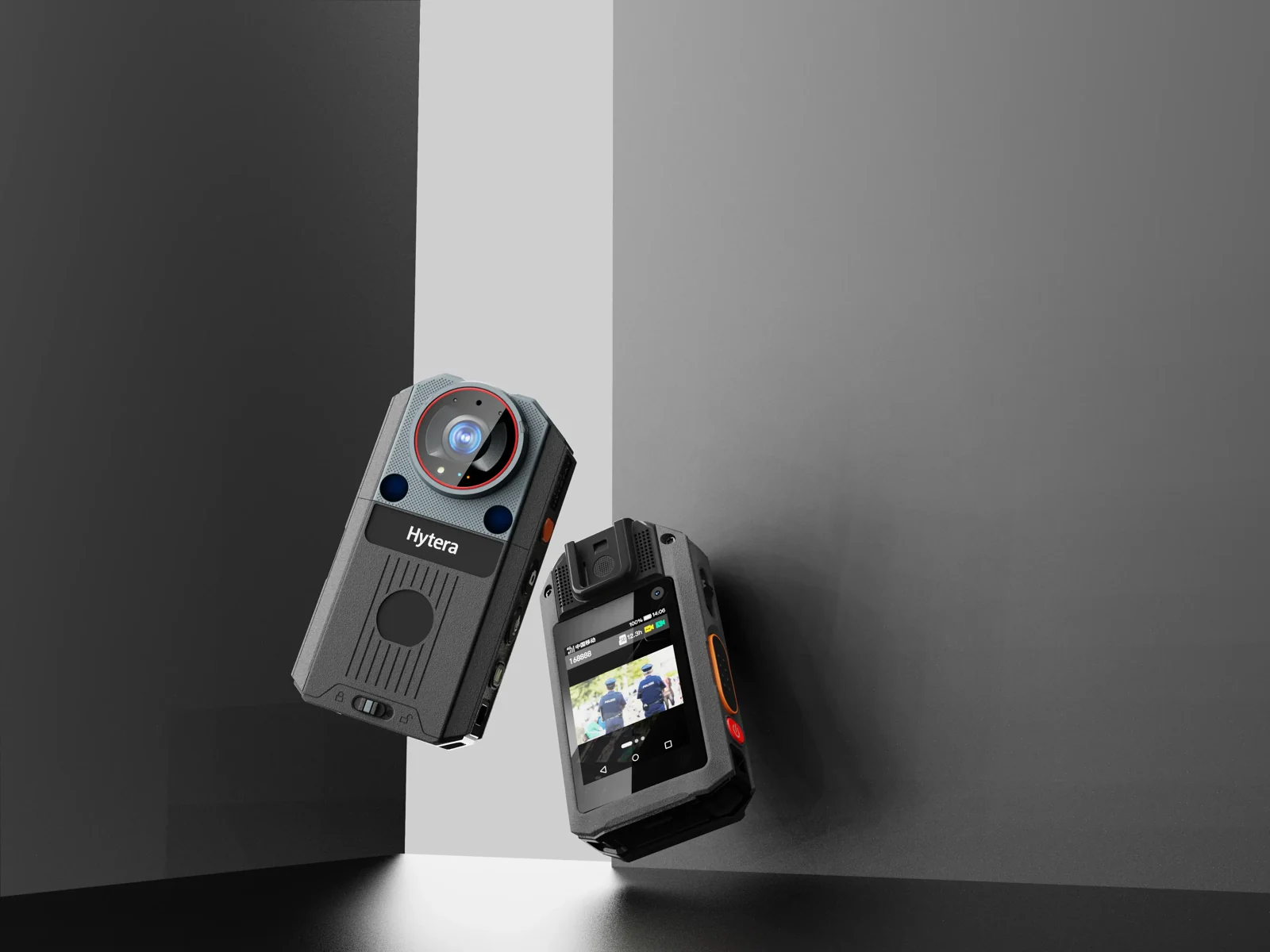
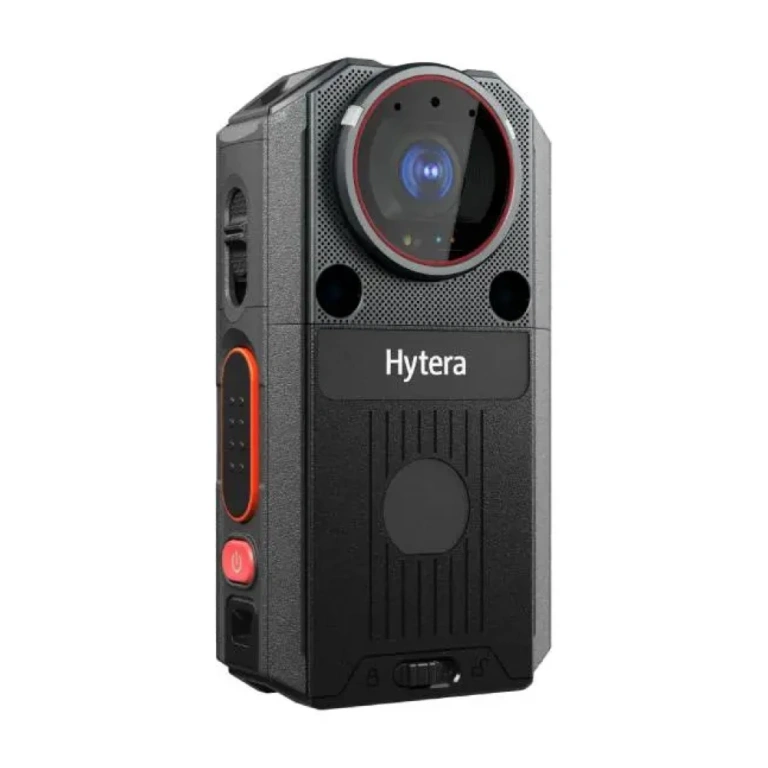
The SC580 and SC780 combine local recording with connectivity for coordinated operation. Live streaming and PTT depend on suitable network, platform, licenses, configuration and coverage.

Hytera SC580
Compact body for recording and network collaboration.
The SC580 records 1080p video and can send video, audio and photos over the cellular network or WLAN. With the compatible PTToC application, it also works as a PTT-over-network terminal.
- Body
- 90 × 55 × 26.3 mm; 158 g without the clip
- Memory
- 16, 32, 64 or 128 GB options
- Context
- Pre-event recording up to 120 s, according to configuration
- Environment
- IP68 and a 1.2 m drop test stated by the manufacturer
Hytera SC780
For operations requiring live video and PTT on the device itself.
The SC780 records locally while it can send real-time video over the 4G network. The device offers PoC communication and converged integration subject to compatible infrastructure.
- Video
- 130° angle and 6-axis electronic stabilization
- Context
- Up to 120 s before and 120 s after activation
- Memory
- 32, 64, 128 or 256 GB
- Operation
- Up to 13 h stated; depends on configuration and network use
IDS and Digital Evidence Management
From the collection station to the central repository.
The Hytera solution can collect content through docks, import files, clear the device after authorized offloading and send evidence to DEM. The platform centralizes files, applies user or group permissions and allows records to be categorized and located.
- 1Camera identified and docked
- 2Offload through IDS or a compatible network
- 3Classification and access in DEM
Body cameras for events: from entry to closing.
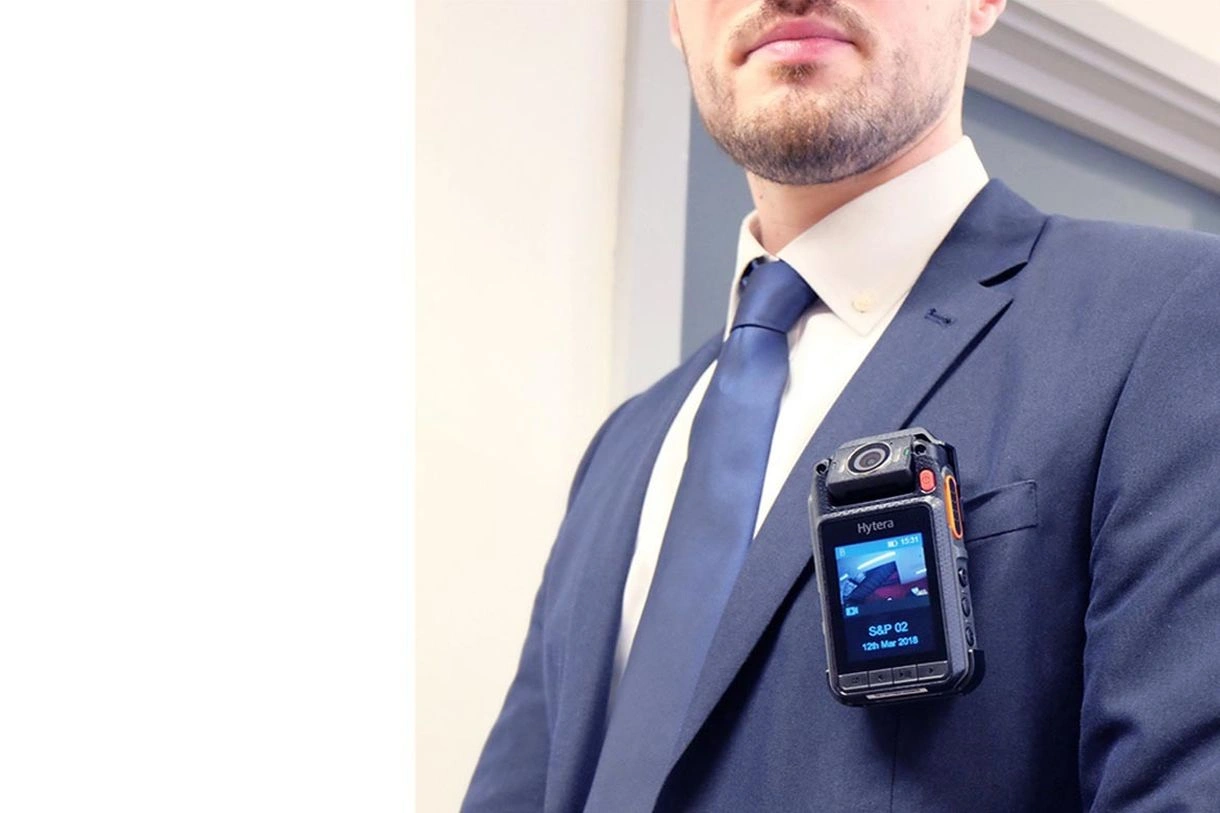
At check-in, on patrol and during visitor assistance, a body camera follows the professional. First-person footage complements fixed cameras and helps clarify the context of an incident. Radios coordinate the response; cameras allow the interaction to be reviewed.
Plan radios and cameras for rentalEntry and check-in: record interactions up close.
Visitor guidance, access checks and staff interventions can be recorded from the professional’s perspective. Define camera positions and activation procedures before the gates open.
During the event: a viewpoint that moves with the team.
On patrol, in corridors, at service entrances and while moving between areas, a body camera can record situations outside fixed-camera views. Footage depends on the professional’s position, mounting and obstructions; the two systems complement each other.
After an incident: more context to review the facts.
Linking files to the professional, time and incident makes it easier to review service and investigate discrepancies. Planned access and preservation support operational transparency and trust between organisers, staff and visitors.
What should event body camera rental include?
Provide dates, location, entry posts, mobile teams and shift duration. The proposal confirms available models, quantities, mounts, charging, transfer and storage. Live video, licences and integrations are evaluated separately for the selected solution.
Before use, agree who records, how visitors will be informed and who may view or export footage. Planning includes the organisation’s usage and retention policy.
Evidence chain
From capture to review, a complete process.
The camera alone does not determine the validity or governance of a recording. ABC Mais sizes the technical solution; the organization defines responsibilities, purpose, use policy, retention and sharing rules.
- 01Camera + operational policy
Capture
Define manual activation, pre-event and post-event recording, and visual or audible signals appropriate to the activity.
- 02Identity + time + device
Assign
Associate the camera with the professional, shift or team so the recording's origin is not lost.
- 03Dock, LAN, WLAN or LTE
Transfer
Retrieve through a compatible dock or network, with sufficient capacity for the daily volume and without relying on improvised manual copying.
- 04On-premises server or compatible cloud
Protect
Apply storage, encryption, access profiles, logs and redundancy according to the risk and contracted architecture.
- 05Metadata + search + audit
Find
Use date, camera, user, incident and markers to locate the correct file without searching through hours of video.
- 06Retention policy + governance
Retain and delete
Apply different periods according to purpose, preserve anything linked to a case and record authorized deletion.
Two architectures, different requirements
Recording locally is not the same as transmitting live.
Live video is only possible when the camera, network, platform, licenses, storage and operational policy work together. The choice changes cost, coverage, data consumption, battery life and the control center's routine.
Local recording and later retrieval
Suitable when the main goal is to document the activity and review the content after the shift.
- Camera with appropriately sized runtime and memory
- Dock or station for charging and transfer
- Server or storage service
- Users, permissions, auditing and retention
Live monitoring and coordination
Suitable when the control center needs to see the scene or location to support decisions during the event.
- Model with LTE/Wi‑Fi and compatible firmware
- On-site data coverage and capacity
- Platform, licenses and operator workstation
- Policy for live access and local recording
ABC Mais Telecom project
Before choosing the model, we size the operation.
With these answers, we define the camera, mounting, docks, network, platform, capacity and deployment suited to the project.
Plan the body-worn camera solutionProject questions
What must be clear before deployment.
Does every body-worn camera transmit live video?
No. The feature depends on the model, available network, platform, licenses and configuration. Even on connected models, transmission quality and continuity vary with coverage and data capacity.
How do recordings leave the camera?
The workflow may use a dock, offload station, LAN, WLAN or mobile network, depending on the manufacturer and architecture. Offloading must be sized for the number of devices and the volume produced each shift.
How long are files kept?
The organization defines its retention policy according to purpose and applicable obligations. The technical solution implements these rules, preserves files linked to incidents and records actions when the platform provides that control.
Does the camera alone guarantee chain of custody?
No. Encryption and audit trails help, but the chain also depends on correct device assignment, procedures, access control, storage, preservation, export and governance.
Are bodycam and body camera the same thing?
Yes. Bodycam (or body cam) is an English name for a body camera: a device attached to the uniform that records daily activity from the wearer's point of view. In Brazil, both terms are used for the same type of camera; what differs between models is recording, connectivity and footage management.
Does the body-worn camera work alongside the two-way radio?
Yes, and that is how it usually enters the operation: as a complement to the radio. The two-way radio coordinates the team in real time; the body-worn camera records the incident from the perspective of the person in the field. At ABC Mais Telecom, the camera solution is sized together with the two-way radios, the accessories and the shift routine, so the radio and camera work together as one set for the team.
Explore the body-worn cameras
Details from ABC Mais Telecom.
 Hytera
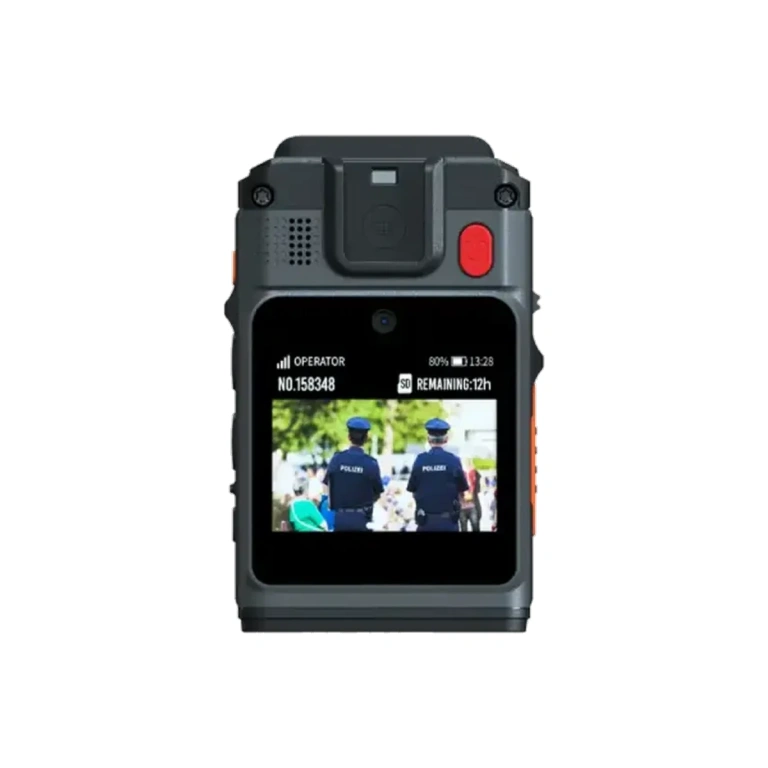 Hytera
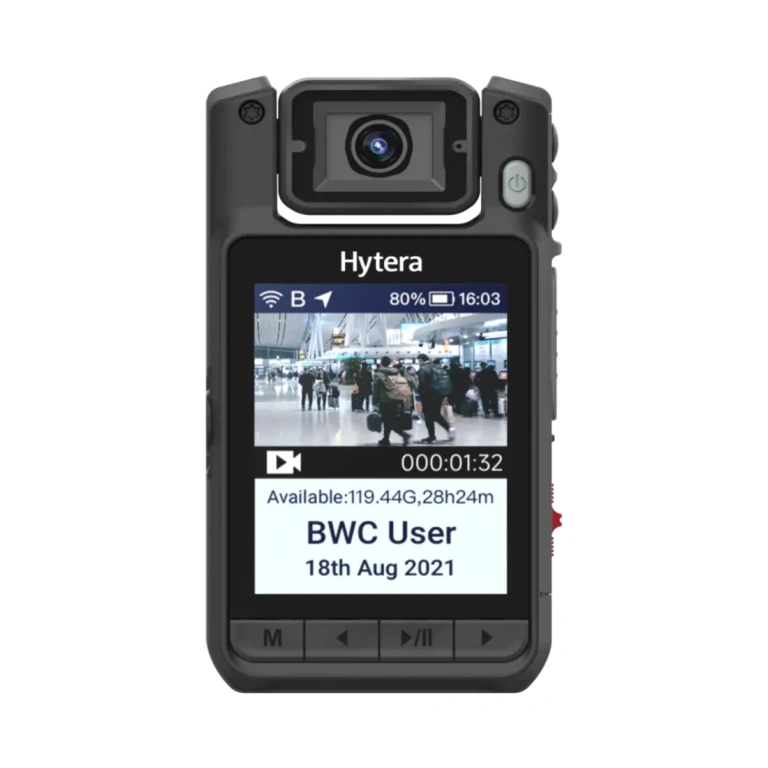 Hytera
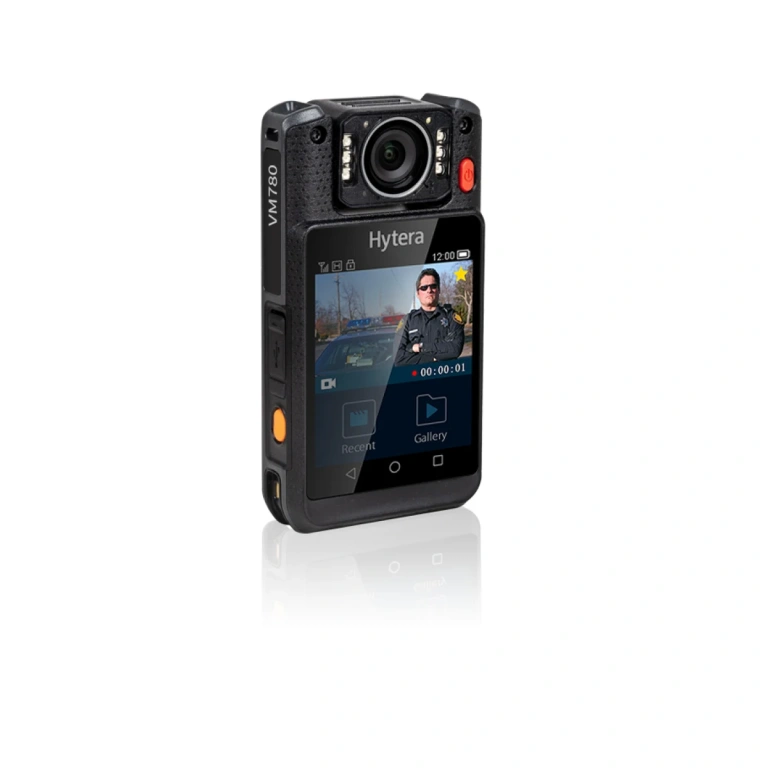 Hytera
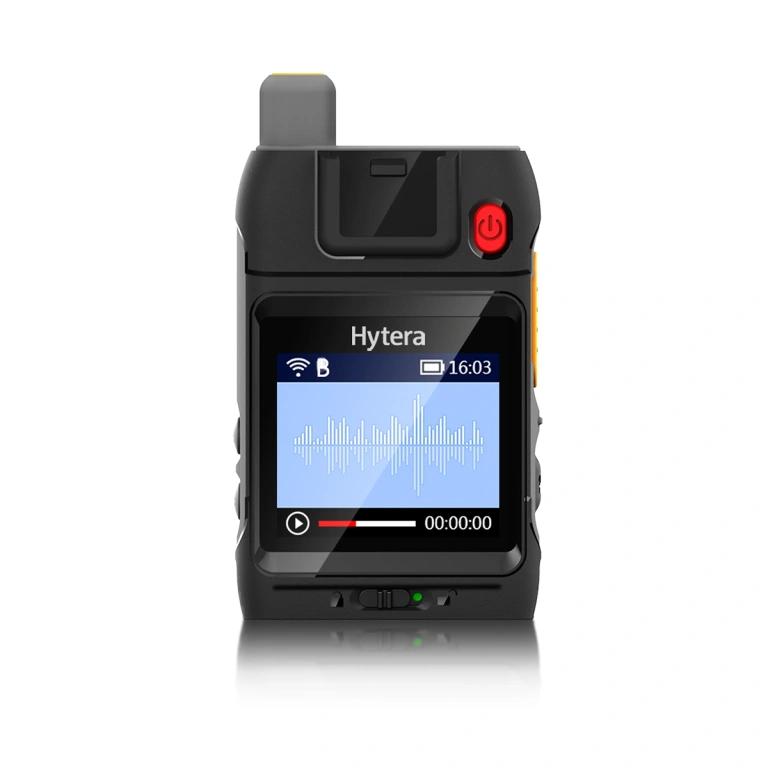 Hytera
Compare cameras
Features, accessories and commercial availability are confirmed for each project, without assuming stock availability.
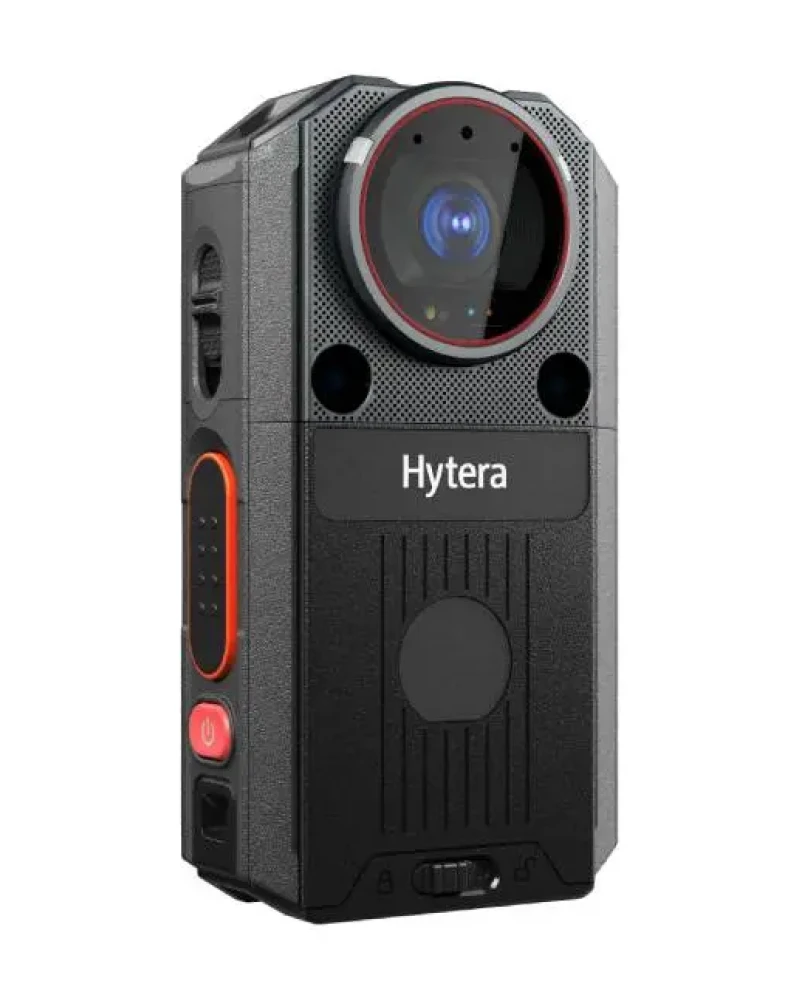
SC780
Local recording and video over a data network. Explore the equipment and platform requirements to plan recording and operational monitoring.
Explore the SC780SC580
Local recording and connectivity features for assessing remote monitoring. Transmission while recording and communication features require confirmation of options and configuration.
Explore the SC580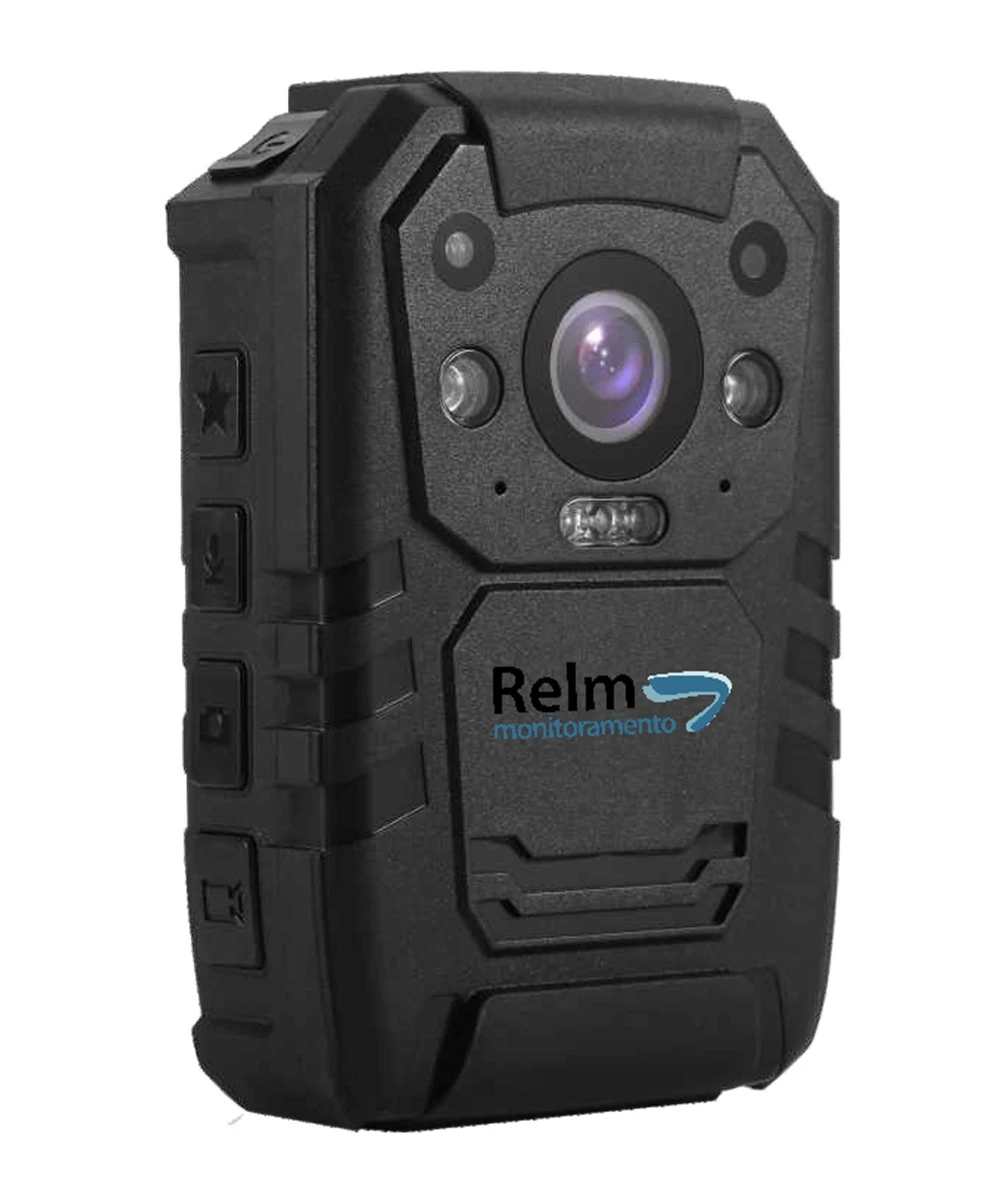
RC-i827R
Model with real-time video over 4G or Wi-Fi, geolocation and two-way audio with the control center. Deployment depends on a compatible network and platform.
Explore the RC-i827RAsk about VM690 Pro, VM780 and VM580D
Hytera states that production of these models has been discontinued. The data sheets remain useful for identifying installed equipment, checking availability and assessing alternatives.
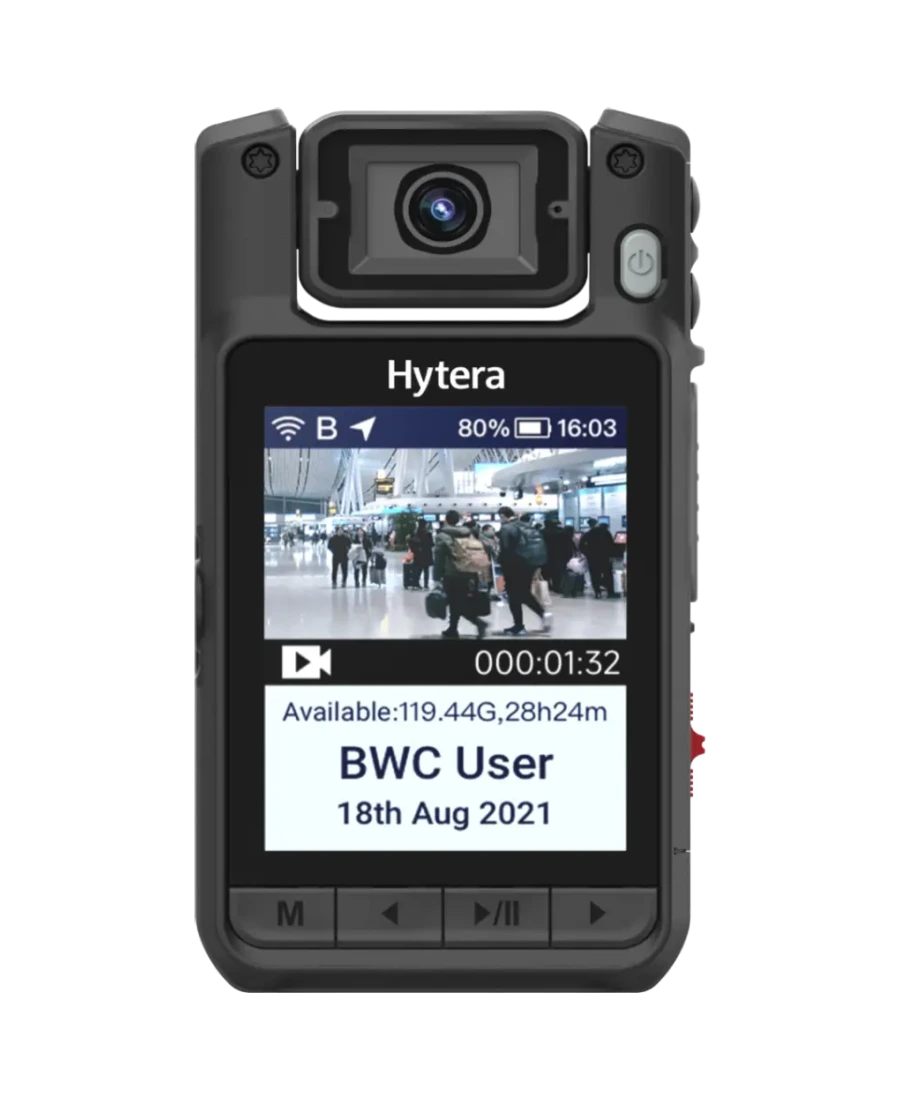 Hytera / legacy model
VM690 Pro
A reference for recording with microgimbal stabilization. It should not be confused with a camera with integrated cellular streaming.
Ask about the VM690 Pro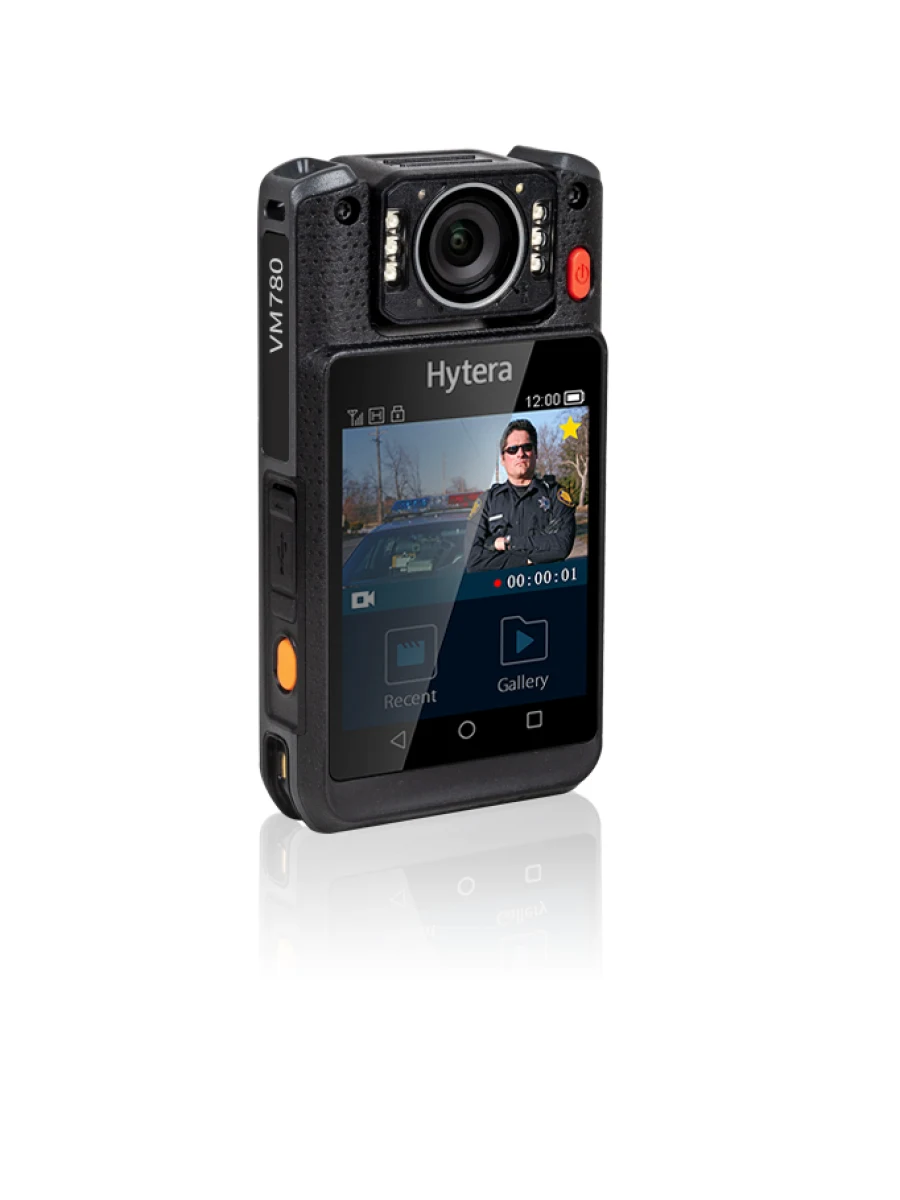 Hytera / legacy model
VM780
Camera with LTE connectivity and live video capabilities for a compatible control center. Assess the installed environment and solution continuity.
Ask about the VM780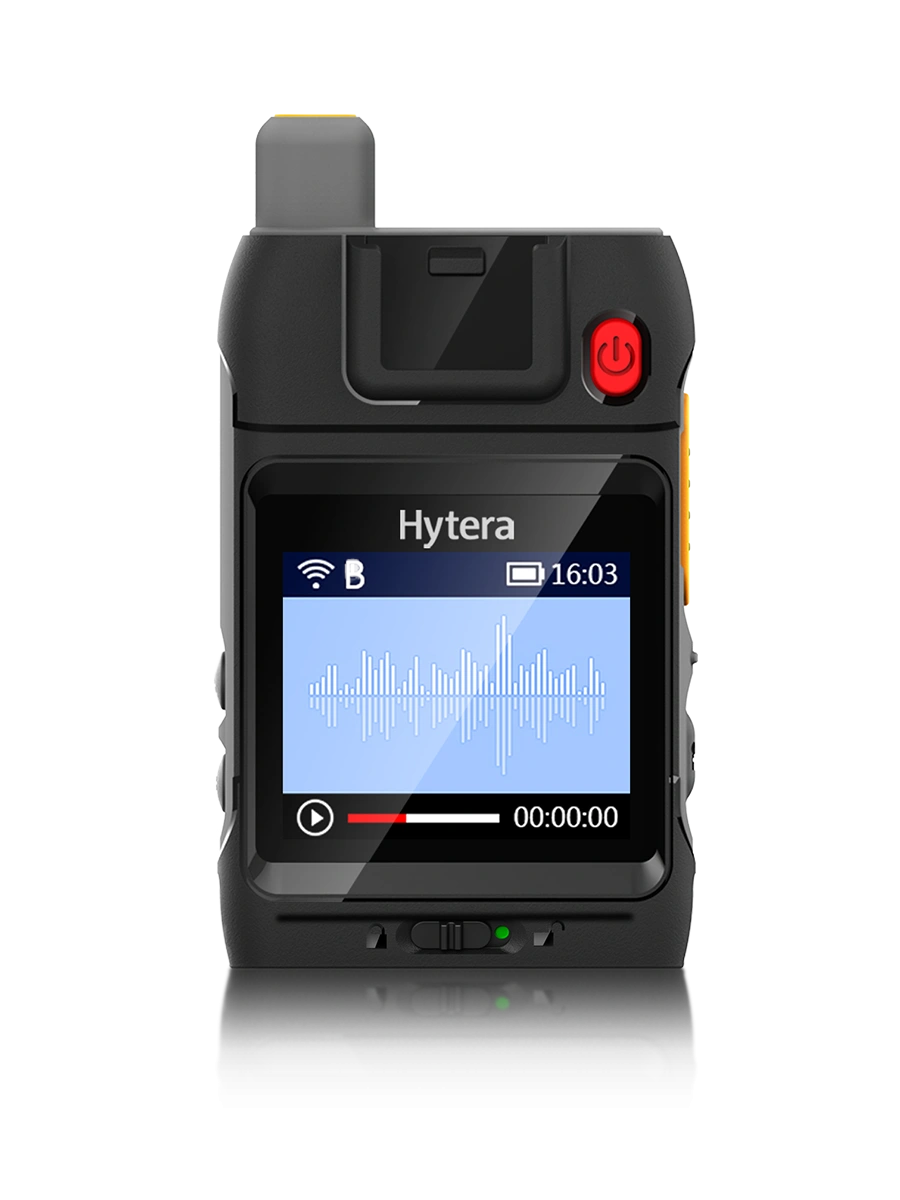 Hytera / legacy model
VM580D
Model with local recording and transmission over a compatible network. It is not limited to offline recording; the features need to be configured.
Ask about the VM580DThe camera records.
What happens next?
Recording and streaming serve different purposes. Select the use case and follow the footage's path.
- 1
Capture
The camera records events according to its configuration and operating procedure.
- 2
Transfer
Files move to the management solution through a dock or compatible connection.
- 3
Organize
Equipment, users and records need a defined workflow for every shift.
- 4
Review
Access and retention are defined by the organization and the platform's capabilities.
Local recording does not depend on continuous streaming. Capacity, runtime and transfer vary by model and configuration.
- 1
Capture
The enabled camera produces video for the operation and may retain a local recording.
- 2
Connect
LTE or Wi-Fi carries the video, depending on the equipment and available network.
- 3
Monitor
The control center receives footage on the compatible platform with the specified licenses.
- 4
Preserve
The project defines how to transfer, store and review the files later.
Without a connection, there is no live monitoring. Continued local recording depends on the model and configuration. Wi-Fi alone does not confirm streaming support.
Before choosing the model,
resolve three decisions.
The details that prevent buying a camera only to discover later that part of the solution is missing.
How long is the shift and how will the camera be used?
Battery life depends on recording, resolution, streaming and active features. Shift duration, uniform mounting and equipment changes must be considered together.
Do I need recording, live video or both?
These are different workflows. The VB400, for example, can stream over Wi-Fi in a compatible solution; the V500 adds LTE. For Hytera models, check the platform and enabled features. Do not choose solely by an online or offline label.
Who manages the footage after an incident?
Define access responsibilities, transfer routines and retention policies. The camera, storage and management software form the solution. The equipment alone does not determine the organization's rules.
Compare recording and streaming requirements
Record or monitor live?
Compare what your operation needs to review later with what requires monitoring during the activity.
Local recording
The camera stores files on the device for later transfer and review. This recording does not require live streaming.
- Capture on the camera
- Transfer
- Authorized review
Plan for: memory, battery and transfer routine according to the shift.
Live transmission
It is an additional feature: the control center receives video from an enabled camera with a compatible network and platform.
- Enabled camera
- Available network
- Platform and control center
Plan for: coverage, data plan and applicable licenses. Without connectivity, there is no live video.
Recording and transmitting at the same time is not standard on every camera. On the SC580, sending compressed video while recording locally in high definition is optional.
Applications: events, ticket offices, entrances and supervision
Where recordings can help
Plan the application according to the service, environment and team routine.
Customer service during the event
Document public guidance, credentialing and incident referral. Recordings can support a review of service and procedures after the activity.
Context for clarifying discrepancies
Record the interaction about a ticket, credential or procedure. The image complements operational records without replacing the checkout system or capturing passwords and payment screens.
Guidance at the entrance
Document visitor service, access procedures and situations referred to supervisors. Define when to activate the camera and how to frame the interaction.
Information from the field to the control center
Record patrols, checks and incidents. When supervisors need to follow an event as it happens, assess live streaming with the network, platform and receiving team prepared.
Organize the path of the recordings
Define responsibilities, transfer, storage and review before deployment.
See deployment, storage and retention
Prepare
Identify the user, check battery and memory, adjust the mounting and explain how to activate recording.
Record
Capture the activity according to the defined procedure, respecting the limits of framing and the environment.
Transfer
Use a compatible connection or collection station. Verify transfer before freeing space for the next shift.
Administer
Organize by date, team or incident and assign responsibility for review, export and retention.
- Offload and charging station
A charging base is not equivalent to a management station. Confirm the model, file collection and compatible software.
- Storage and backup
Define where files will be kept, the capacity required and how they will be recovered. Camera memory is not a substitute for this storage.
- Access permissions
Separate those who review, export and administer. Check the controls and activity records available in the chosen platform.
- Retention and disposal
Set time limits and responsibilities for keeping or deleting files, considering the purpose of recording and the company's privacy guidance.
- Operational trial
Test framing, audio, lighting, shift duration and transfer. For live video, validate coverage and reception at the control center.
- Team guidance
Agree when to record, how to identify the user and how to respond to an incident. Avoid capturing unnecessary data.
Does every body-worn camera transmit live video?
No. The feature depends on the model, available network, platform, licenses and configuration. Even on connected models, transmission quality and continuity vary with coverage and data capacity.
How do recordings leave the camera?
The workflow may use a dock, offload station, LAN, WLAN or mobile network, depending on the manufacturer and architecture. Offloading must be sized for the number of devices and the volume produced each shift.
How long are files kept?
The organization defines its retention policy according to purpose and applicable obligations. The technical solution implements these rules, preserves files linked to incidents and records actions when the platform provides that control.
Does the camera alone guarantee chain of custody?
No. Encryption and audit trails help, but the chain also depends on correct device assignment, procedures, access control, storage, preservation, export and governance.
Are bodycam and body camera the same thing?
Yes. Bodycam (or body cam) is an English name for a body camera: a device attached to the uniform that records daily activity from the wearer's point of view. In Brazil, both terms are used for the same type of camera; what differs between models is recording, connectivity and footage management.
Does the body-worn camera work alongside the two-way radio?
Yes, and that is how it usually enters the operation: as a complement to the radio. The two-way radio coordinates the team in real time; the body-worn camera records the incident from the perspective of the person in the field. At ABC Mais Telecom, the camera solution is sized together with the two-way radios, the accessories and the shift routine, so the radio and camera work together as one set for the team.
Tell us what your operation needs.
Share the details to receive technical and commercial guidance.
Response by email and WhatsApp. No-obligation quote.